Type a short phrase
Enter a title, reaction, mood, or tiny message. Compact wording produces the boldest, most readable result.
Turn any short phrase into glossy 3D bubble letters with three font shapes and eight colorful finishes. Preview it instantly and download a transparent PNG—no design skills or sign-up required.
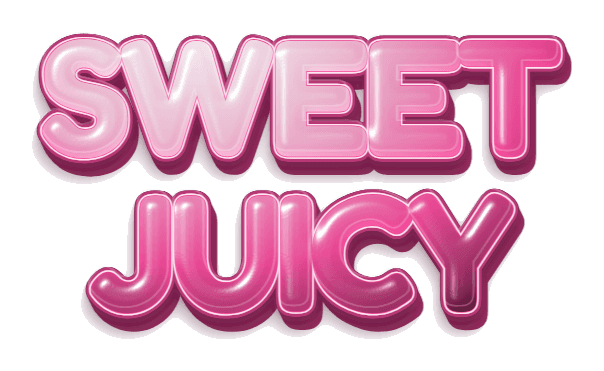 Rounded · Juicy · Transparent PNG
Auto-sized PNG · Transparent background · Watermark-free
You do not need Photoshop, Blender, a font download, or a complicated prompt. GummyType keeps the creative process deliberately small. Want to learn how to make bubble letters by hand too? We cover that in our step-by-step guide.
Enter a title, reaction, mood, or tiny message. Compact wording produces the boldest, most readable result.
Choose rounded, chunky, or italic lettering, then try finishes from juicy and sugar to neon, chrome, liquid metal, or sticker.
Keep Transparent Grid selected to export a transparent PNG automatically cropped around your words. Add it over a photo, collage, thumbnail, Story, or short-form video.
Bubble lettering works best when the words are part of the visual rather than a paragraph to read. Use it for playful social content, personal graphics, and titles that need a tactile pop.
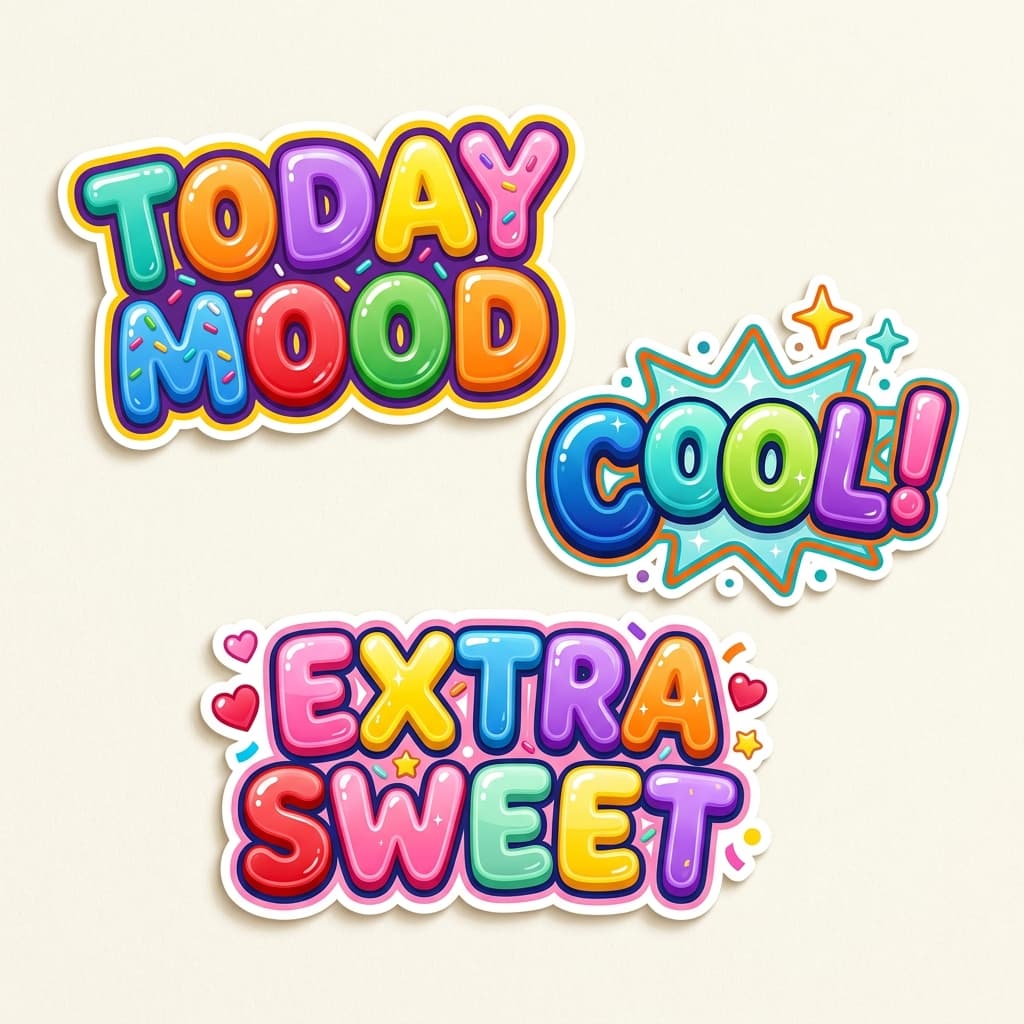
Some bubble font generators produce Unicode characters for copying into a bio or message. GummyType has a different job: it creates finished 3D bubble letter artwork for visual projects and exports it as a transparent image.
The editor focuses on the controls that materially change the result: words, font shape, font size, surface finish, and color. The preview updates immediately, so you can compare 24 shape-and-finish combinations without generation credits or a remote image model.
Use it as a 3D bubble letter artwork generator for titles and stickers, or as a bubble letter font generator when you want ready-to-place artwork instead of a font file. The layered shine, outline, and shadow make it useful for people who need a finished PNG rather than an editable 3D scene. Need selectable text instead? Use the Bubble Text Generator for Unicode letters you can copy and paste. If you prefer drawing by hand, see our guide on how to make bubble letters with four different methods. For ready-made artwork, browse the free Y2K PNG pack.
Most finishes use layered SVG text before PNG export; Chrome uses Canvas and WebGL shading, with an SVG fallback when WebGL rendering is unavailable. Keep Transparent Grid selected for a transparent PNG automatically cropped around the visible lettering, so you can place it over photographs, gradients, video frames, or textured collages without removing a white box. Choose a dark, light, or gradient background to include that background in the uncropped PNG instead.
The current generator runs inside your browser. It does not send your phrase to an image API, create an account, or store a design history. This also makes experimentation instant: every style change is rendered locally.
A bubble letter generator turns ordinary words into playful display lettering. GummyType offers three font shapes, eight visual effects, three Chrome finish presets, and transparent PNG export.
No. This 3D generator creates finished bubble letter artwork rather than Unicode characters or a downloadable font file. For copyable characters, use the Bubble Text Generator; for artwork, use the PNG in an image or video editor.
Yes. Keep Transparent Grid selected to download an automatically cropped transparent PNG, then place it over a photo or video in your favorite editing app.
No. The preview and PNG are generated locally in your browser. The current version has no account system and does not send your words to an image-generation API.
Press Enter in the text box where you want a new line. GummyType keeps the line break you choose; shorter lines help the letters stay bold and legible.
Yes. Keep Transparent Grid selected to download an automatically cropped transparent PNG for free, with no sign-up and no watermark. Other background choices are included in an uncropped PNG.
Start with a few words, find your favorite finish, and download the result for free.