Enter a short title
Type the word or phrase you want to turn into metallic display lettering. Shorter wording produces the strongest result.
Create polished 3D chrome text with bright reflections, deep metallic bands, and a transparent background—ready for posters, covers, thumbnails, and social edits.
 Liquid Chrome · Transparent PNG
Auto-sized PNG · Transparent background · Watermark-free
Build a reflective word graphic without a Photoshop layer style, a 3D scene, or an image-generation queue.
Type the word or phrase you want to turn into metallic display lettering. Shorter wording produces the strongest result.
Keep the Chrome finish selected, then choose a cool, pink, purple, or custom accent for the metallic bands.
Keep Transparent Grid selected to download finished chrome word art automatically cropped around the visible lettering.
Chrome lettering creates a strong focal point, especially when it is layered over dark gradients, photography, or high-contrast textures.
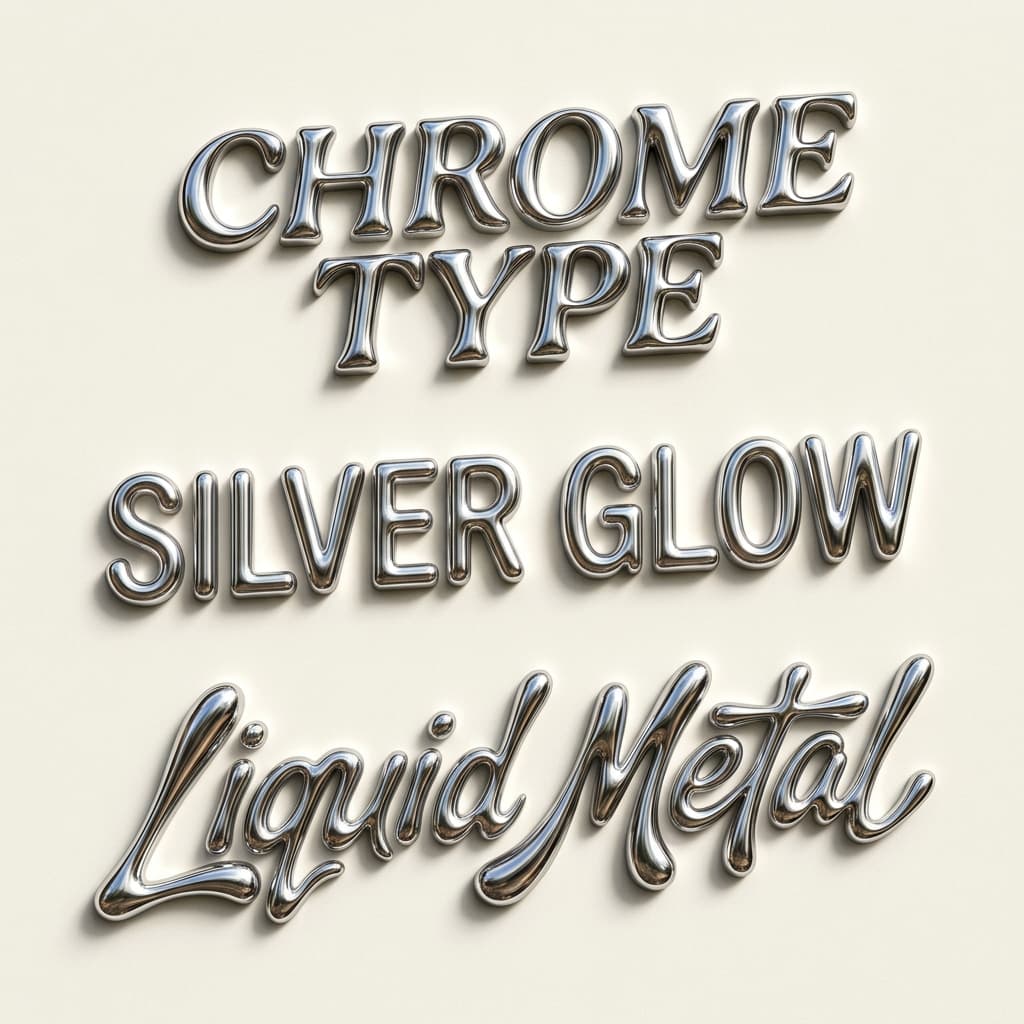
Traditional chrome text effects often depend on editable layer styles, complex gradient maps, or 3D rendering software. Those tools offer deep control, but they are excessive when you only need a polished title for one visual.
GummyType builds the reflective effect in your browser with Canvas and WebGL shading, plus an SVG fallback when WebGL rendering is unavailable. Colored edges, highlights, and shadows add depth. You can see every change immediately and compare text colors without waiting for a remote image model.
With Transparent Grid selected, the result is exported as transparent artwork, not as a downloadable font file or Unicode character set. Place the PNG over your own background and continue editing it in the design or video app you already use.
The generator creates the preview and standard PNG inside your browser. It does not send your phrase to an image API or require an account.
It renders your words with reflective shading, colored edges, highlights, and shadow directly in the browser, then exports a PNG. The PNG is transparent when Transparent Grid is selected.
No. GummyType creates finished chrome word art rather than a font file. You can use the downloaded PNG in image and video projects.
Yes. The Chrome finish keeps its reflective bands while adapting the edges and darker tones to your chosen text color.
Yes, when Transparent Grid is selected. The checkerboard in the preview represents transparency; choosing another background includes it in the downloaded PNG.
Choose Clean Mirror for crisp silver reflections, Liquid Chrome for a fluid shine, or Y2K Chrome for a pink-blue horizon. All three appear when the Chrome effect is selected.
Liquid chrome text is lettering that looks like flowing, mirror-polished metal. The Liquid Chrome preset on this page creates a similar effect with bright reflective bands, colored edges, and a glossy 3D shadow.
Yes. Type your name or brand word, keep the Chrome effect selected, and choose a finish. Keep Transparent Grid selected to download a transparent PNG for a free logo study, video title, or poster headline.
Yes. Keep Transparent Grid selected to download an automatically cropped transparent PNG for free, with no sign-up and no watermark. Other background choices are included in an uncropped PNG.
Type a short title, choose the reflection color, and export a polished chrome PNG in less than a minute.