Type your phrase
Use a name, short title, lyric fragment, or cyber-inspired message that stays readable as bold display text.
Create pasteable Y2K Unicode text or turn a short phrase into holographic cyber lettering with a transparent background. Both tools work instantly in your browser.
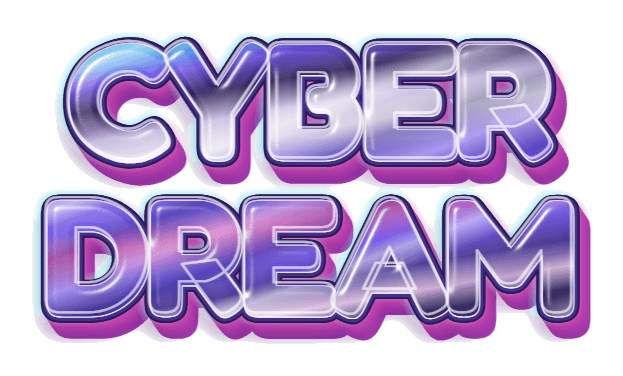 Rounded · Y2K · Transparent PNG
Auto-sized PNG · Transparent background · Watermark-free
Type once, compare six Unicode treatments, and copy the version that fits your bio, caption, display name, or message. For designed artwork, use the PNG generator above.
These are Unicode characters, so their appearance can vary by app and device.
Get a reusable pack of holographic, chrome, bubble, liquid-metal, sugar, and neon text effects—then return here whenever you need custom words.
Create a nostalgic 2000s-style title without installing a font, opening Photoshop, or writing an image prompt.
Use a name, short title, lyric fragment, or cyber-inspired message that stays readable as bold display text.
The page starts with the holographic Y2K preset. Change the text color to move from soft pop to futuristic cyber style.
Keep Transparent Grid selected to export transparent Y2K text automatically cropped around your words for easy placement in any layout.
Y2K lettering is most effective as a compact visual headline. Give it room to shine instead of using it for paragraphs.
Use the copy-and-paste tool when the result needs to stay selectable inside a bio, caption, username, or message. It swaps supported letters for Unicode characters, so you do not need to install a font. Appearance and acceptance can vary by app.
Use the artwork generator when you need the glossy Y2K look itself. Its pastel cyan and pink highlights, holographic sweep, bright edges, and soft 3D shadow are rendered together as one finished visual.
With Transparent Grid selected, the artwork download is a transparent PNG for image and video editors. You can scale, rotate, mask, or animate it as one element, while the Unicode version remains plain text that can be copied into compatible fields.
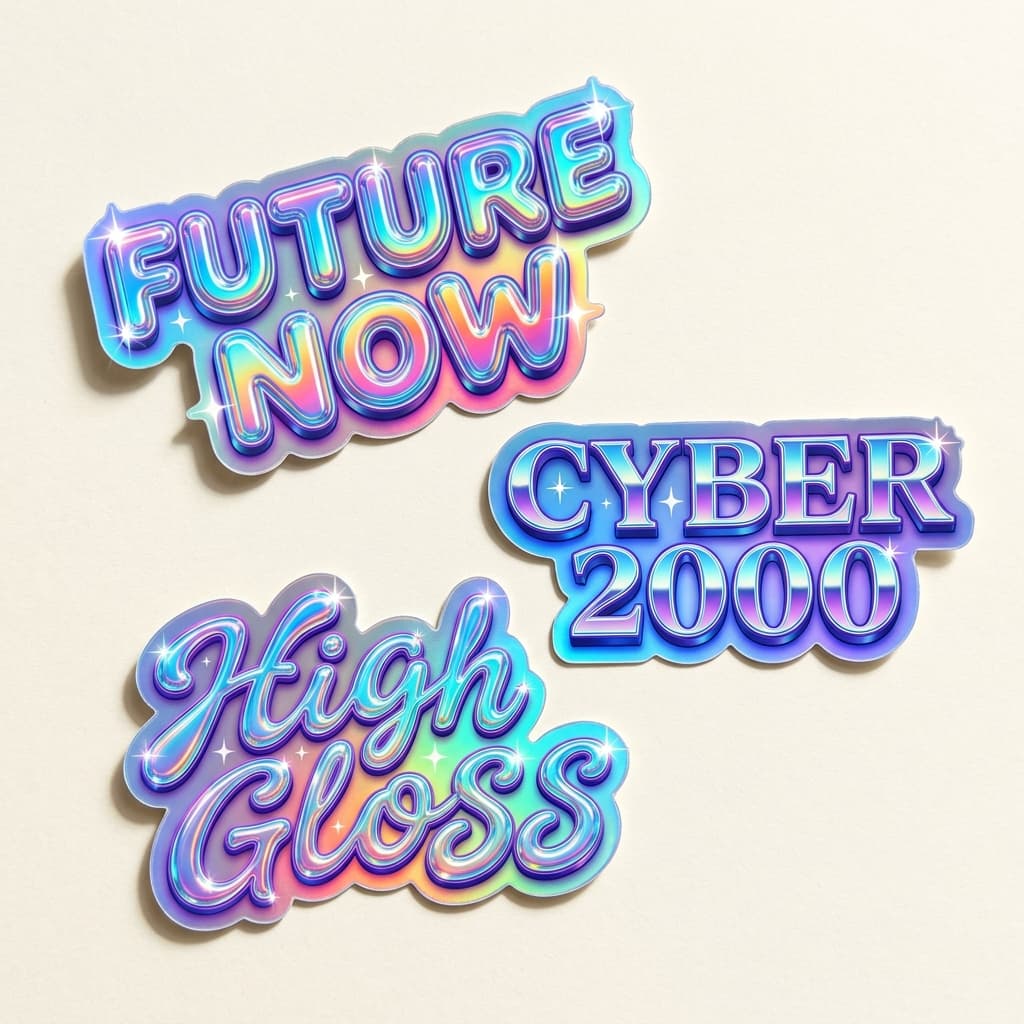
Want finished samples instead? The free Y2K PNG pack includes 12 transparent text images you can download individually or together as a ZIP.
The generator creates the preview and standard PNG inside your browser. It does not send your phrase to an image API or require an account.
A Y2K font generator creates lettering inspired by late-1990s and early-2000s design. GummyType offers both pasteable Unicode styles and colorful holographic word art exported as a transparent PNG when Transparent Grid is selected.
No. The visual effect is rendered directly in your browser, so you can download the finished text artwork without installing a font file.
Yes. Pick a preset color or use the custom color control. The holographic highlights and shadows update around the selected text color.
The page includes both formats. The Unicode styles can be copied into compatible text fields, while the visual generator creates a PNG for Canva, CapCut, Photoshop, and other image or video editors. Keep Transparent Grid selected for a transparent background.
Yes. Use the copy-and-paste section to generate six Unicode treatments, then test the one you like in the destination app. Some usernames and text fields restrict unusual Unicode characters.
Yes. Short names, initials, and single words render as clean holographic wordmarks you can download as transparent PNGs with Transparent Grid selected. Pair the Y2K lettering with your own symbol or icon in a design tool to finish a full logo.
Yes. Keep Transparent Grid selected to download an automatically cropped transparent PNG for free, with no sign-up and no watermark. Other background choices are included in an uncropped PNG.
Start with a few words, tune the holographic color, and download your cyber-inspired title as a transparent PNG.